A payment-facing PHP application fails differently from a brochure site. A leaked session can authorise a payout. A replayed webhook can credit an account twice. A stack trace can expose an API secret that moves real money. This checklist covers the server layer under a PHP payment or crypto application: runtime, configuration, secrets, network, data and operations. It does not cover the application's business logic. It assumes you already know general PHP security basics and want a list to work through before a release or audit.
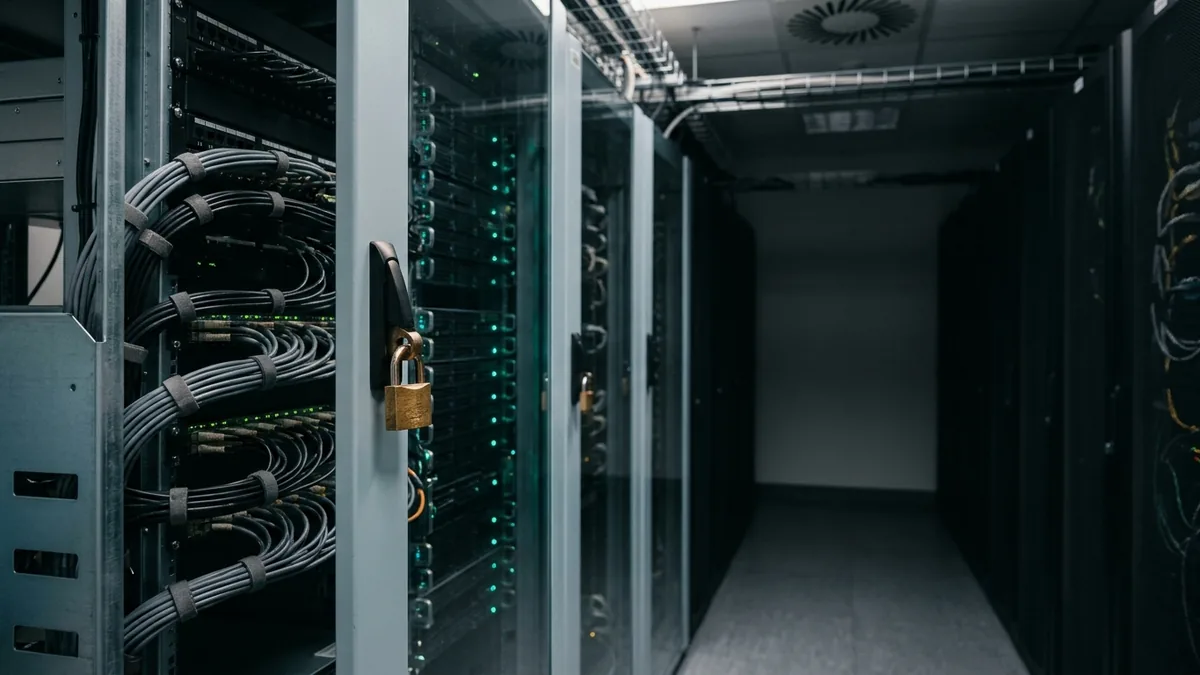
Threat model for payment-facing PHP applications
Write down what an attacker wants before you change a setting. For most fintech PHP stacks the targets are:
- Credentials that move funds: payment provider API keys, exchange or custody API secrets, webhook signing secrets and database passwords.
- Authenticated sessions: an operator or merchant session that can change payout details or approve withdrawals.
- Transaction state: forged or replayed callbacks that mark an unpaid order as paid, or credit the same deposit twice.
- Reconnaissance data: version strings, paths and environment variables that make the next attack cheaper.
Products that hold or move digital assets raise the stakes. A company that connects its back office to a crypto business account has to treat every integration credential as a payment instrument. Scope it narrowly, store it outside the code and log every use. The checklist below follows the path a request takes, from the PHP runtime to the ledger.
Production PHP version and patch management
Run a PHP branch that still receives security fixes. The PHP supported versions page is the source of truth. PHP 8.1 and older no longer receive security fixes. Each branch gets two years of active support, then two years of security-only fixes.
- Track the patch release, not just the minor version. Being on 8.3 does not help if the server runs an early 8.3.x with known CVEs.
- Pin the PHP version in your container image or configuration management, so staging and production run the same build.
- Plan minor-version upgrades ahead of end of life. A forced upgrade during a payment incident is the worst time to find a deprecated function in a reconciliation job.
- Remove extensions the application does not load. Every compiled extension is attack surface you have to patch.
php -v
php -m                     # loaded extensions
php --ini                  # which php.ini files are actually read
Secure php.ini configuration
Start from php.ini-production, not php.ini-development, then tighten it. The directives below are documented in the php.ini core directives and error handling configuration references:
; Do not advertise the PHP version in the X-Powered-By header
expose_php = Off

; Errors go to a log, never to the browser
display_errors = Off
display_startup_errors = Off
log_errors = On
error_log = /var/log/php/app-error.log

; Keep function arguments (card data, secrets) out of stack traces
zend.exception_ignore_args = On

; Remote file includes are never needed in a payment app
allow_url_include = Off
; Turn off unless the app reads URLs through file functions
; (cURL-based HTTP clients are not affected)
allow_url_fopen = Off

; Defence in depth, not a sandbox
open_basedir = /srv/app:/tmp
disable_functions = exec,passthru,shell_exec,system,proc_open,popen

; Upload limits sized for real documents, not the default "anything"
file_uploads = On
upload_max_filesize = 8M
post_max_size = 10M
max_input_vars = 1000
Two points need care. zend.exception_ignore_args is already On in php.ini-production, and it is one of the cheapest controls you have. For PHP 8.2 and later, also mark secret parameters with the #[\SensitiveParameter] attribute so they are redacted even where arguments are logged. Second, open_basedir and disable_functions narrow what a compromised script can do. They do not replace operating system isolation. Run separate PHP-FPM pools under separate users for anything that must stay apart.
function signPayout(array $payout, #[\SensitiveParameter] string $apiSecret): string
{
    return hash_hmac('sha256', json_encode($payout, JSON_THROW_ON_ERROR), $apiSecret);
}
Risks of publicly accessible phpinfo()
phpinfo() prints the PHP version, loaded extensions, file paths, ini values and the request and environment variables. On a fintech server that last part matters most. If database passwords or API keys reach PHP as environment variables, a forgotten info.php publishes them to anyone who guesses the URL. The phpinfo() manual page lists what each section reveals.
- Never leave a phpinfo file in the web root. Run it from the CLI (
php -i) or behind authentication on a non-production host. - Route only the front controller to PHP, so stray
.phpfiles are never run:
# nginx: only index.php is passed to PHP-FPM
location / {
    try_files $uri /index.php$is_args$args;
}
location ~ ^/index\.php(/|$) {
    fastcgi_pass unix:/run/php/payments.sock;
    fastcgi_split_path_info ^(.+\.php)(/.*)$;
    include fastcgi_params;
    fastcgi_param SCRIPT_FILENAME $realpath_root$fastcgi_script_name;
    internal;
}
location ~ \.php$ {
    return 404;
}
Add a check to your deployment pipeline that fails the release if any file in the web root calls phpinfo(.
Session security and authentication
Back-office and merchant dashboards are where fraud usually starts. Set the session directives listed in the PHP manual's session security INI settings:
session.use_strict_mode = 1
session.use_only_cookies = 1
session.use_trans_sid = 0
session.cookie_secure = 1
session.cookie_httponly = 1
session.cookie_samesite = "Strict"
session.gc_maxlifetime = 900
session.name = PAYSESSID
Leave session.cookie_domain empty unless the dashboard really has to share sessions across subdomains. A host-only cookie is not sent to other subdomains. Strict mode makes PHP reject session IDs it did not create, which blocks session fixation through a planted ID. In code:
- Call
session_regenerate_id(true)after login and after any privilege change. - Hash passwords with
password_hash($password, PASSWORD_DEFAULT)and check them withpassword_verify(). - Require multi-factor authentication and a fresh re-authentication step for payout changes, withdrawal approval and API key creation.
- Set an absolute session lifetime as well as an idle timeout, as the OWASP Session Management Cheat Sheet recommends.
API credentials and secrets storage
Secrets do not belong in the repository, in phpinfo() output or in logs. A practical layout for a single application server:
- Store secrets in a secrets manager or vault, and fetch them at deploy or boot time. If you must use a file, keep it outside the web root, owned by root and readable only by the PHP-FPM pool group (
0640). - Give each provider a separate key with the least scope it supports: read-only keys for reporting, and separate keys for payouts.
- Rotate keys on a schedule and immediately after staff changes. Your code should accept two valid webhook secrets for a short overlap.
- Restrict what PHP-FPM passes to workers.
clear_env = yes(the default) stops the parent environment leaking into workers. Pass only what the app needs withenv[NAME]in the pool file.
The OWASP Secrets Management Cheat Sheet covers rotation and auditing in more depth.
TLS, access controls and permissions
Terminate TLS with modern protocols only, and verify certificates on outbound calls to payment APIs as well:
ssl_protocols TLSv1.2 TLSv1.3;
add_header Strict-Transport-Security "max-age=31536000; includeSubDomains" always;
// cURL already verifies by default; never switch it off to "fix" an error
curl_setopt($ch, CURLOPT_SSL_VERIFYPEER, true);
curl_setopt($ch, CURLOPT_SSL_VERIFYHOST, 2);For the PHP-FPM pool, give the payment application its own pool and system user, and keep the code read-only to that user (see the FPM configuration reference):
[payments]
user = payments
group = payments
listen = /run/php/payments.sock
listen.owner = www-data
listen.group = www-data
listen.mode = 0660
security.limit_extensions = .php
pm.status_path = /fpm-status
php_admin_value[error_log] = /var/log/php/payments-error.log
php_admin_flag[log_errors] = on
Code should be owned by a deploy user, not by payments. Only cache and upload directories should be writable, and nothing writable should be executable by PHP. Restrict /fpm-status and any admin panel to a VPN or an IP allowlist.
Database isolation and least privilege
The web application's database user should not be able to drop tables or rewrite history. Split users by job:
CREATE USER 'pay_app'@'10.0.2.%' IDENTIFIED BY '...';
GRANT SELECT, INSERT, UPDATE ON payments.orders TO 'pay_app'@'10.0.2.%';
GRANT SELECT, INSERT ON payments.ledger_entries TO 'pay_app'@'10.0.2.%';
GRANT SELECT, INSERT ON payments.webhook_events TO 'pay_app'@'10.0.2.%';
-- no UPDATE or DELETE on the ledger: corrections are new entries
CREATE USER 'pay_report'@'10.0.3.%' IDENTIFIED BY '...';
GRANT SELECT ON payments.* TO 'pay_report'@'10.0.3.%';- Keep the database on a private network. It should never listen on a public interface.
- Use prepared statements with real server-side preparation:
PDO::ATTR_EMULATE_PREPARES => falseandPDO::ATTR_ERRMODE => PDO::ERRMODE_EXCEPTION. - Require TLS between the application and the database if they are on different hosts.
Secure payment webhooks and idempotency
Webhooks are inbound requests that change money state. Every handler needs three checks: signature, freshness and uniqueness.
$payload   = file_get_contents('php://input');
$timestamp = $_SERVER['HTTP_X_WEBHOOK_TIMESTAMP'] ?? '';
$signature = $_SERVER['HTTP_X_WEBHOOK_SIGNATURE'] ?? '';

$expected = hash_hmac('sha256', $timestamp . '.' . $payload, $webhookSecret);
if (!hash_equals($expected, $signature) || abs(time() - (int) $timestamp) > 300) {
    http_response_code(400);
    exit;
}

$event = json_decode($payload, true, 32, JSON_THROW_ON_ERROR);
try {
    $pdo->prepare('INSERT INTO webhook_events (provider, event_id, received_at) VALUES (?, ?, NOW())')
        ->execute(['provider_x', $event['id']]);
} catch (PDOException $e) {
    if ($e->getCode() === '23000') {   // duplicate key: already processed
        http_response_code(200);
        exit;
    }
    throw $e;
}
The header names and signature format above are placeholders. Use the exact scheme your provider documents. Always compare with hash_equals(), never ==. Put a UNIQUE (provider, event_id) constraint on the events table, and write the event row and its ledger change in the same database transaction. Send your own outbound payment requests with an idempotency key wherever the provider supports it, so a retry after a timeout cannot create a second transfer.
Transaction logs and reconciliation
Security logs and financial records serve different purposes. Keep both, and keep them apart.
- Append-only ledger: every balance change is a new row with an amount, currency, external reference and correlation ID. Never update a posted entry.
- Structured application logs: JSON lines with request ID, user ID, action and outcome. Mask card numbers, wallet seed material, tokens and full IBANs before writing. The OWASP Logging Cheat Sheet lists which events to record and which data to exclude.
- Off-host shipping: send logs to a separate system that the web server can write to but not delete from.
- Daily reconciliation: compare your ledger with provider settlement reports by reference, amount and currency. Alert on any mismatch, and on pending items older than the expected settlement window.
Reconciliation gets harder with multiple currencies, payment corridors and settlement times. If your application connects to a cross-border payments solution, store the provider's transaction ID, the FX rate applied and the settled amount as separate fields. When a transfer is held or returned, you can then trace it from the ledger without parsing log text.
Dependency scanning and monitoring
- Run
composer auditin CI and fail the build on advisories for production dependencies. - Deploy from a committed
composer.lockwithcomposer install --no-dev --classmap-authoritative. Never runcomposer updateon the production server. - Scan the base container image or OS packages as well. PHP extensions and system libraries such as OpenSSL and libcurl ship their own CVEs.
- Monitor PHP-FPM error rates, 4xx/5xx spikes on webhook endpoints, failed logins and unusual payout volumes. A sudden burst of webhook signature failures often comes before a replay attempt.
Backups, incident response and deployment checklist
Backups
- Encrypt database backups. Store them in a separate account or location that the application servers cannot delete from.
- Use point-in-time recovery for the ledger database, and test a full restore on a schedule. An untested backup is only a hope.
Incident response
- Keep a written runbook: who can rotate each provider key, how to pause payouts and how to block a webhook source.
- Know how to revoke every API credential within minutes, and practise it.
- Preserve logs and a server snapshot before cleaning up a compromised host.
Pre-release deployment checklist
- PHP branch is supported and patched to the current release.
php -ion production showsdisplay_errors => Off,expose_php => Offandzend.exception_ignore_args => On.- No phpinfo, test or backup files in the web root. Only the front controller reaches PHP-FPM.
- Session cookies are Secure, HttpOnly and SameSite, and strict mode is on.
- Secrets come from the vault or a protected file, not the repository. Keys are scoped per purpose.
- Database users follow least privilege. The ledger has no UPDATE/DELETE grants.
- Webhooks verify the signature, check freshness and deduplicate on a unique event ID.
composer auditis clean for production dependencies.- Logs are masked, shipped off-host and covered by alerts. Reconciliation runs daily.
- The latest backup has been restored successfully in a test environment.
For the wider context behind these settings, start with the PHP manual security section. Our php.ini reference explains how to find the configuration file your server actually loads. If you want this list checked against a live server, a PHP server audit or security hardening review covers it setting by setting.